


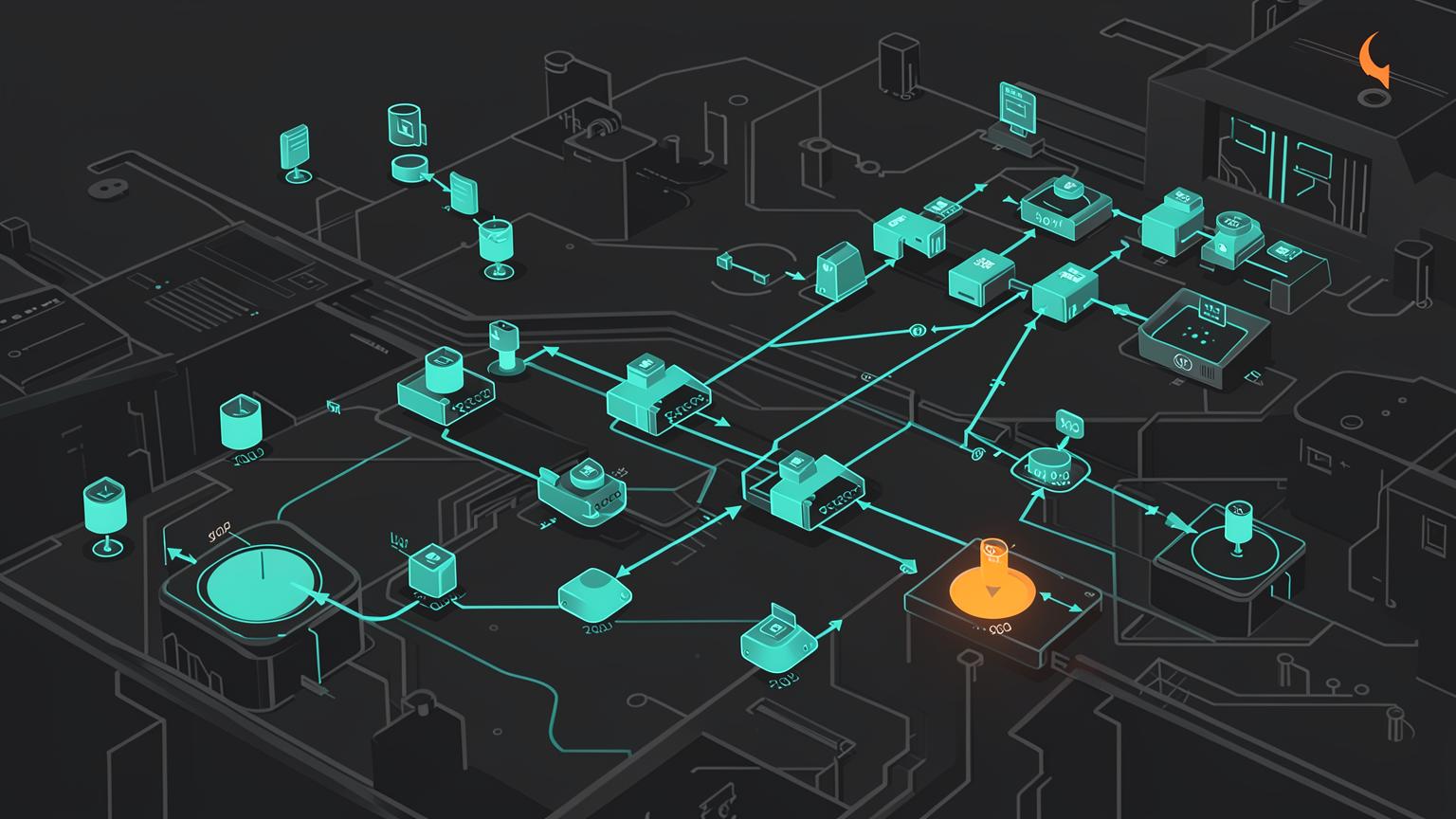
Agent workloads are uneven. One request may answer from context in two seconds; another may invoke five tools, trigger retrieval, wait on an external API, and run for thirty seconds. Capacity planning starts by recognizing that “number of users” is a weak proxy for actual load.
The system needs to distinguish interactive work from long-running work and protect itself when demand exceeds downstream capacity.
Synchronous fast path, asynchronous long path
Keep short interactive requests synchronous and stream results. When work becomes long-running or durable, create a job, persist state, enqueue it, and return control to the user. The client can poll, subscribe, or receive a completion notification while the conversation continues.
1request2 ↓3admission control4 ↓5agent execution6 ├── fast path → stream response7 └── long task → durable job → queue → workers/workflowBackpressure is a feature
Backpressure means slowing or limiting upstream work when downstream capacity is saturated. Without it, queues grow without bound, latency explodes, and failures cascade. Backpressure may mean queueing, reducing concurrency, applying rate limits, or rejecting/defering lower-priority work.
Admission control, priority, and fairness
Not all work deserves the same scheduling. High-priority transactional actions, interactive requests, and background research jobs can live in separate queues with weighted scheduling or reserved capacity. Priority should not mean starvation: lower-priority work still needs a guaranteed share.
Per-user and per-tenant quotas
If one department generates 60% of traffic because it built automation on top of an employee-facing assistant, do not immediately create a new agent. First isolate the workload with quotas, concurrency limits, separate queues, or worker pools. If the workload also has different permissions, instructions, tools, or risk profile, then it may justify a separate agent or service.
Autonomy budgets control more than cost
An autonomy budget limits how far an agent can run by itself: maximum turns, tool calls, wall-clock time, token spend, concurrent downstream operations, or number of side effects. It prevents runaway loops and gives operations teams predictable bounds.
PFPLabs takeaways
- Size for concurrency and workload mix, not user count alone.
- Move long work off the interactive path.
- Use backpressure and admission control before overload becomes collapse.
- Protect fairness with quotas and reserved capacity.
- Give every agent an autonomy budget. Bound turns, tools, time, cost, and side effects.