


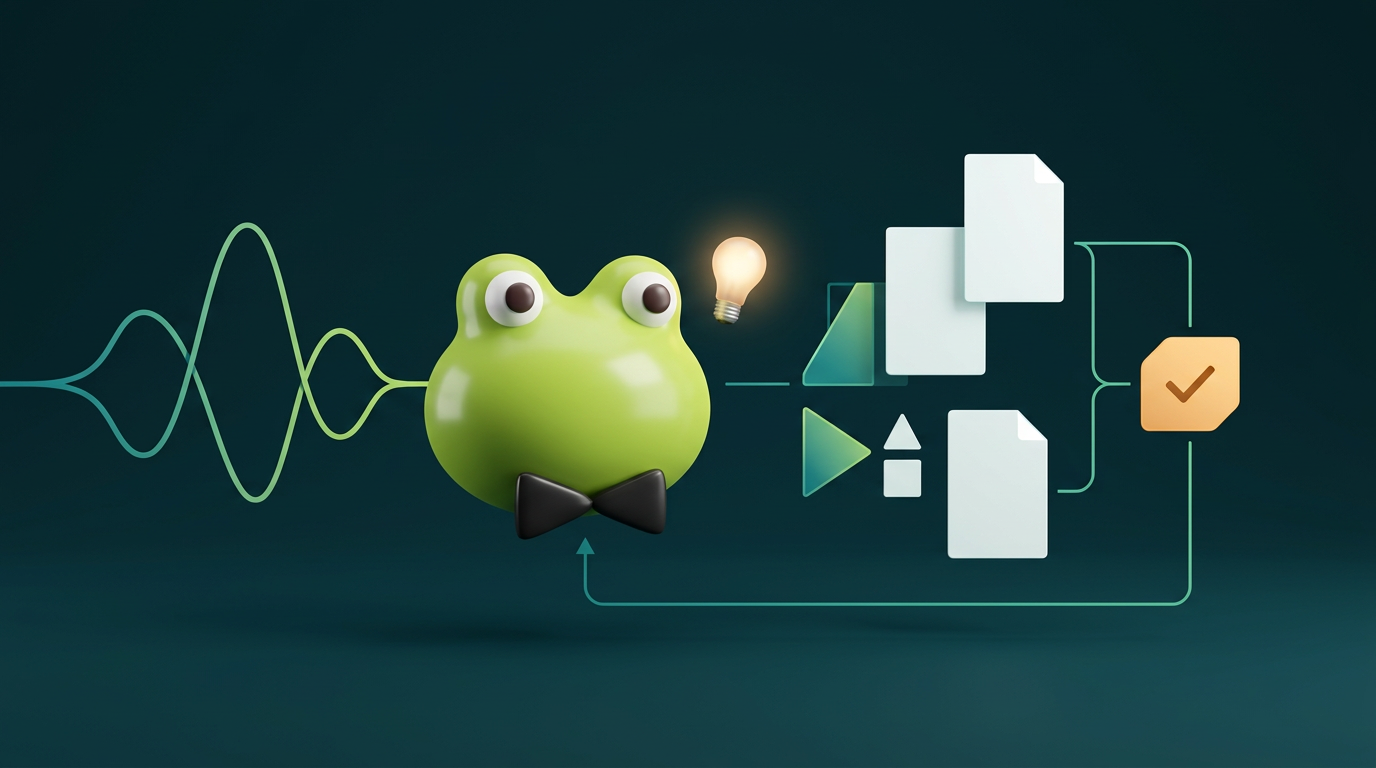
I named my Dot Kermit. Giving an assistant a name makes the interaction feel less like opening another disposable chat and more like returning to something I can steer. The appeal, for me, is continuity: an assistant I can come back to, including through voice, with a responsibility that survives the end of a conversation.
That does not mean handing over everything. An ongoing responsibility is a useful unit of delegation because it has a purpose, relevant context, and a boundary. The examples below are structures I would use to delegate work, not a diary of tasks Kermit has completed.
What OpenAI dots are
OpenAI describes dots as ongoing cloud agents that can retain context, work on responsibilities over time, and have a personalized name. Rather than restating the product tour, I want to focus on the engineering question: what should this particular assistant own, and when should it come back to me?
Start with one narrow responsibility
Begin with desktop setup, choose a name, and define one responsibility before adding connections. For a first experiment, I would choose something like researching a small product decision: maintain a shortlist, identify trade-offs, and prepare evidence for review.
Only connect sources that responsibility requires. Public documentation may be enough. An app connection or personal computer is optional, not a prerequisite for making the brief useful. The current setup guide distinguishes those choices; mobile continuation depends on a supporting app update, and mobile web is unsupported.
Voice is a way to steer
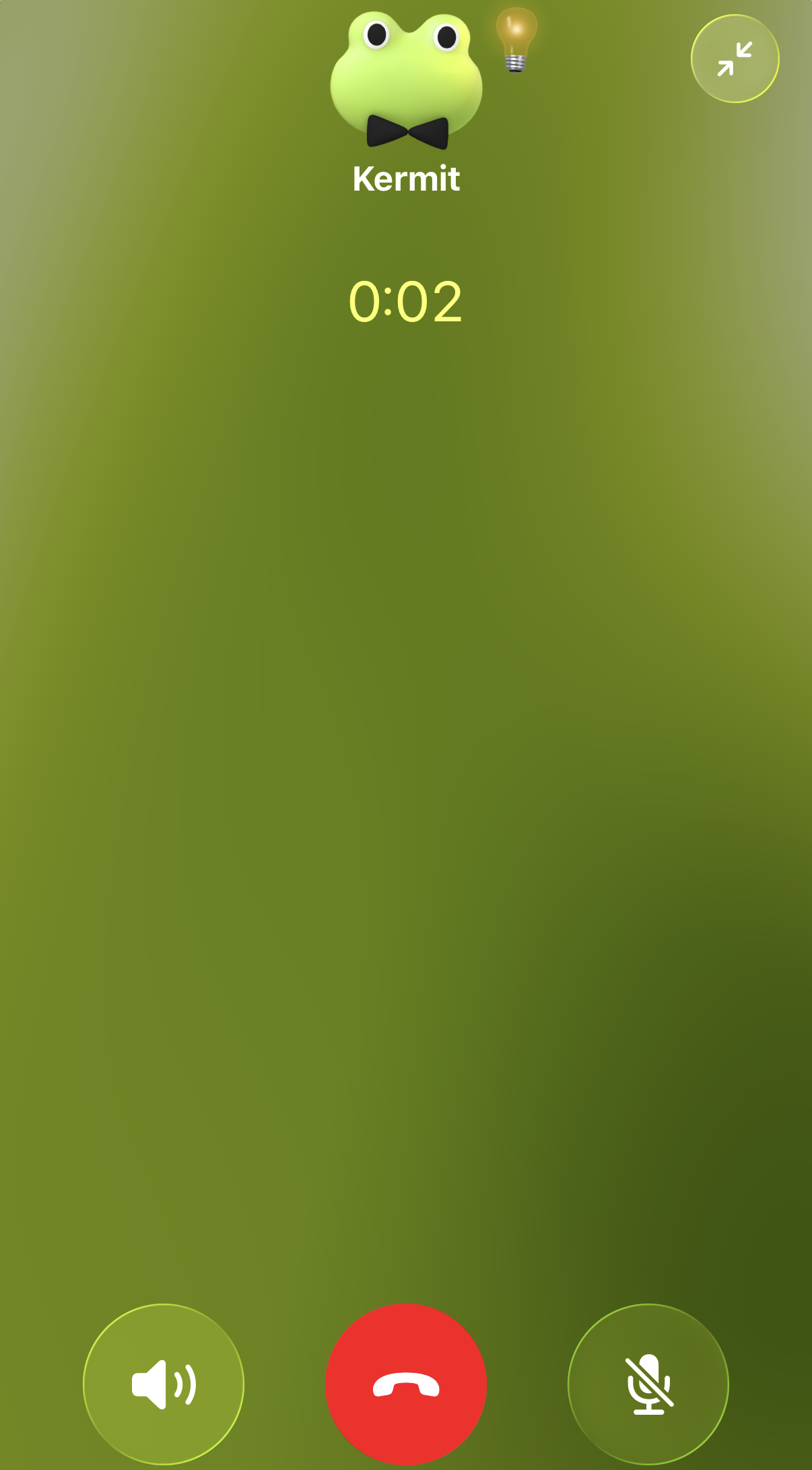
According to the channels guide, you start a call using the phone button in the dot conversation or Call in its desktop profile. Ending the call does not necessarily stop assigned work. That makes voice useful for a briefing or a course correction, rather than treating the call itself as the task.
Example voice briefing: Kermit, help me research a small product decision. Compare this shortlist using public documentation. Bring back the evidence, important trade-offs, and anything you cannot verify. Prepare a recommendation for my review; do not buy, change, or publish anything.
I would then ask Kermit to restate the outcome and boundary. That is a cheap way to catch ambiguity before research expands in the wrong direction. This is a suggested briefing, not a transcript of a previous call.
Write a delegation contract
Here is a copyable contract readers can adapt. It separates independent investigation from consequential action. Draft-only is my chosen rule for this responsibility, not a claim that all dots are inherently restricted to drafts.
1Outcome:2Compare my product shortlist.3Prepare a recommendation for review.4 5Sources:6Use public documentation and7explicitly authorized sources.8Ask before expanding access.9 10Independent work:11Research, compare, and draft.12 13Review required:14Ask before changes, sends,15purchases, publication, or16external commitments.17Wait for explicit action approval.18 19Evidence and unknowns:20Link evidence. Separate facts21from inferences. Flag conflicts22and missing information.23 24Notify me:25When a review-ready draft exists,26evidence changes the recommendation,27or a blocker needs my decision.28Otherwise avoid status noise.The workflow needs a return path
The forward path is straightforward. The steering loop matters just as much: review can change the brief, narrow the sources, or replace a priority. Approval should identify the specific action, not become a permanent permission slip.
- Brief
- Relevant sources
- Research / draft
- Human review
- Approved action
Contact is not permission
Keep four surfaces separate: contact channels, apps supplied through plugins, the cloud computer, and an optional local computer. The computers and apps guide explains that the cloud computer has its own browser sessions. Local access requires a connected computer to be online with the ChatGPT app open.
A Slack contact channel is a way to reach the same dot; it does not grant access to all Slack history, other apps, or local files. Adding it alone does not establish monitoring. App permissions and task instructions are separate decisions. I am describing the distinction, not claiming I have connected any particular channel or service.
Follow the work, not just the conversation
The tasks and memory guide covers steering multiple responsibilities, background agents, and inspecting Activity. Separate tasks get their relevant assigned context, not automatically every conversation. I would make priorities explicit: what matters now, what can wait, and what evidence would change the decision.
General autonomous follow-ups are not the same as a fixed schedule. For recurring work, specify a saved schedule, timezone, notification criteria, and delivery destination; obtain confirmation that it was saved. Stopping current work and cancelling its schedule are separate controls.
A reader could try a weekly shortlist review, with the timezone and destination supplied explicitly and notifications limited to meaningful changes or blockers. Before relying on it, inspect the saved schedule and ask for confirmation of the next run. An intention expressed in conversation is not enough.
Review remains a human job
The controls guide documents Activity, permissions, and stopping controls. Built-in review is useful, but it does not replace evaluating the output yourself. A cited page can be outdated; a comparison can omit a constraint; a confident recommendation can still rest on an assumption.
My practical checks would be simple: open consequential sources, challenge unsupported claims, verify access scope, and test what happens when work is blocked. If the assistant cannot obtain evidence, I want a visible unknown rather than an invented answer. The agent field guide explores the broader systems perspective.
Give Kermit a responsibility, not everything
The useful starting point is not ‘help me with everything.’ It is a responsibility I can explain, sources I can authorize, and a review boundary I can enforce. Naming Kermit makes it personal. Specifying the work is what makes the delegation usable.
Further reading — official OpenAI docs