



A missing connector did not have to stop a useful idea. I wanted to bring my Strava recordings into ChatGPT, ask better questions about my training, and spend less time moving between activity pages and summaries. Strava’s own export button gave us a practical way to start.
What did I actually do today? How much of that swim was swimming? What happens when two devices record the same workout? Those are questions about interpretation, not just collecting more data.
At pfplabs, we tried connecting Strava to my OpenAI dot, Kermit, in ChatGPT. No Strava connector appeared in our available plugin search. When I saw that Strava’s official MCP connector was launching with Claude, the tech person in me immediately wanted to build one.
Apparently, a question about swimming was about to become an integration project.
Instead, we used a file. We exported an original activity recording, parsed it in Kermit’s cloud workspace, and used my context to make sense of it. That part worked. The useful discovery was how much we could learn without building a new integration first.
Different systems, one useful conversation
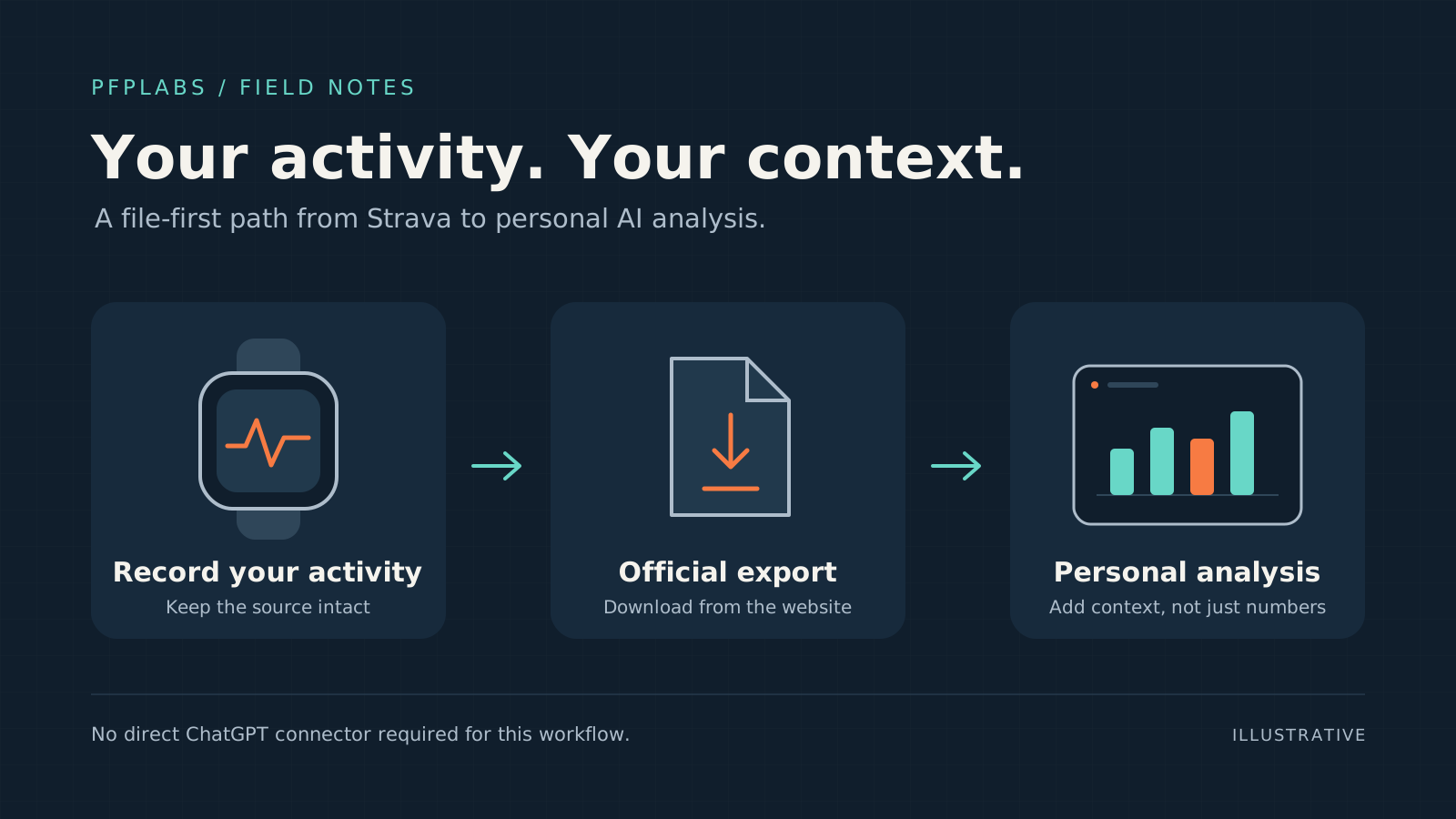
Strava holds the activity. The watch supplies the recording. Kermit helps examine the file and discuss what it means. I supply the context that sensors cannot capture. Each system does its own job; the file connects them.
That is the productivity opportunity: bring information into the place where you can work with it, rather than wait for every service to have a perfect connection. In this experiment, an ordinary export was enough to turn a recorded swim into a more useful conversation.
Kermit is the name I gave my OpenAI Dot. Having an assistant I can return to gives the work a familiar place to live, rather than starting every question in another disconnected chat.
Strava’s export button was enough to get started
Strava does have an official MCP connector. MCP, the Model Context Protocol, gives an AI assistant a standard way to access tools and data. Strava’s documentation describes a subscriber feature launching with Claude, with other AI clients planned. It simply was not available in our ChatGPT setup.
Strava’s official MCP connectorOfficial Strava guide to supported clients, subscriber access and setup.We did not need to recreate that connector to find out whether the analysis was useful. I signed into Strava myself in Kermit’s cloud browser. From the activity page, we used Export Original to download the original Suunto FIT file, then parsed it in the cloud analysis workspace.
Another useful connection: Kermit already has access to my email. When a sign-in flow sends a verification code there, it can retrieve the code and complete that step in the browser. That brings the inbox and browser together without me having to copy the code between them. It follows the sign-in check rather than bypassing it; it does not guarantee that every future login can happen unattended.
FIT is a structured activity-file format. Strava exports the format originally uploaded, giving us the recording itself rather than only the summary shown on the activity page.
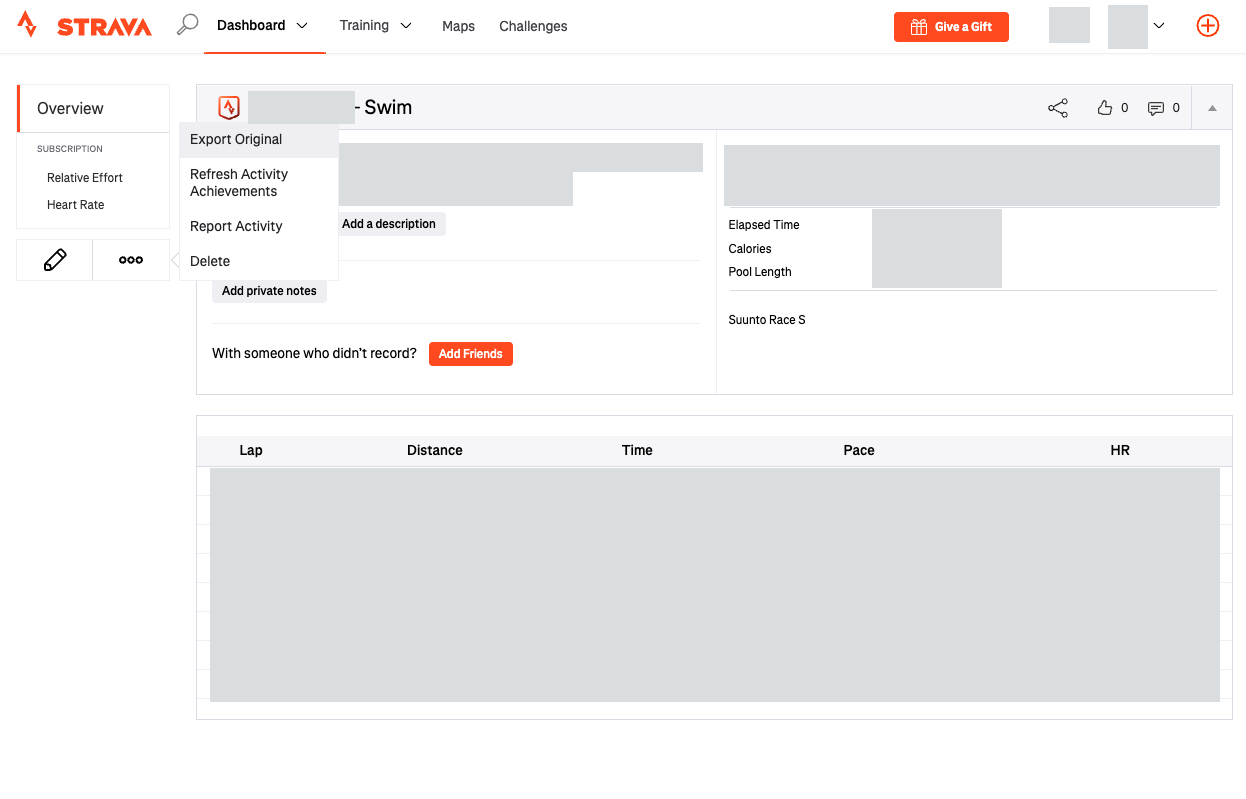
No API credentials, custom scraper or hidden endpoint. We used a visible feature for my own data, kept the original recording, and did not change my Strava activities. I wanted to respect Strava’s API restrictions, not build around them.
The browser and analysis workspace were in the cloud, not on my computer. Using an export describes our technical route; it is not a blanket claim about policy compliance or permission for every use of exported data.
Better context made the swim more useful
The swim immediately showed why this was worth doing. The watch’s pool setting and the actual pool used different units. Checking that setting gave us a better starting point for interpreting distance and pace.
The watch had counted lengths. I had supplied the wrong unit. A very efficient division of labour.
For an illustrative example, a 25-yard pool is 22.86 metres long, not 25 metres. Correcting the interpretation keeps that difference from carrying through every pace calculation. This example explains the issue without publishing my workout measurements.
We kept the original recording and corrected our analysis. That is a useful division of responsibilities: preserve the source, then make the interpretation clearer.
Time benefited from context too. Active swimming and elapsed session time were different, partly because I stopped for a conversation. Discussing the pause made the recording more meaningful than treating the entire visit as continuous swimming.
A file can record a pause. I can explain why I was chatting.
Two recordings can make one session clearer
Suunto and WHOOP had both recorded the same swim. Rather than count two workouts or discard one view, we treated the recordings as complementary accounts of one session. Where sensor measurements differed, we kept their sources distinct.
That gives the daily review a more useful shape: understand the sessions, then use the recordings to add detail. The diagram below uses fictional examples, not my personal workout figures. It illustrates analytical grouping, not a merge in Strava.
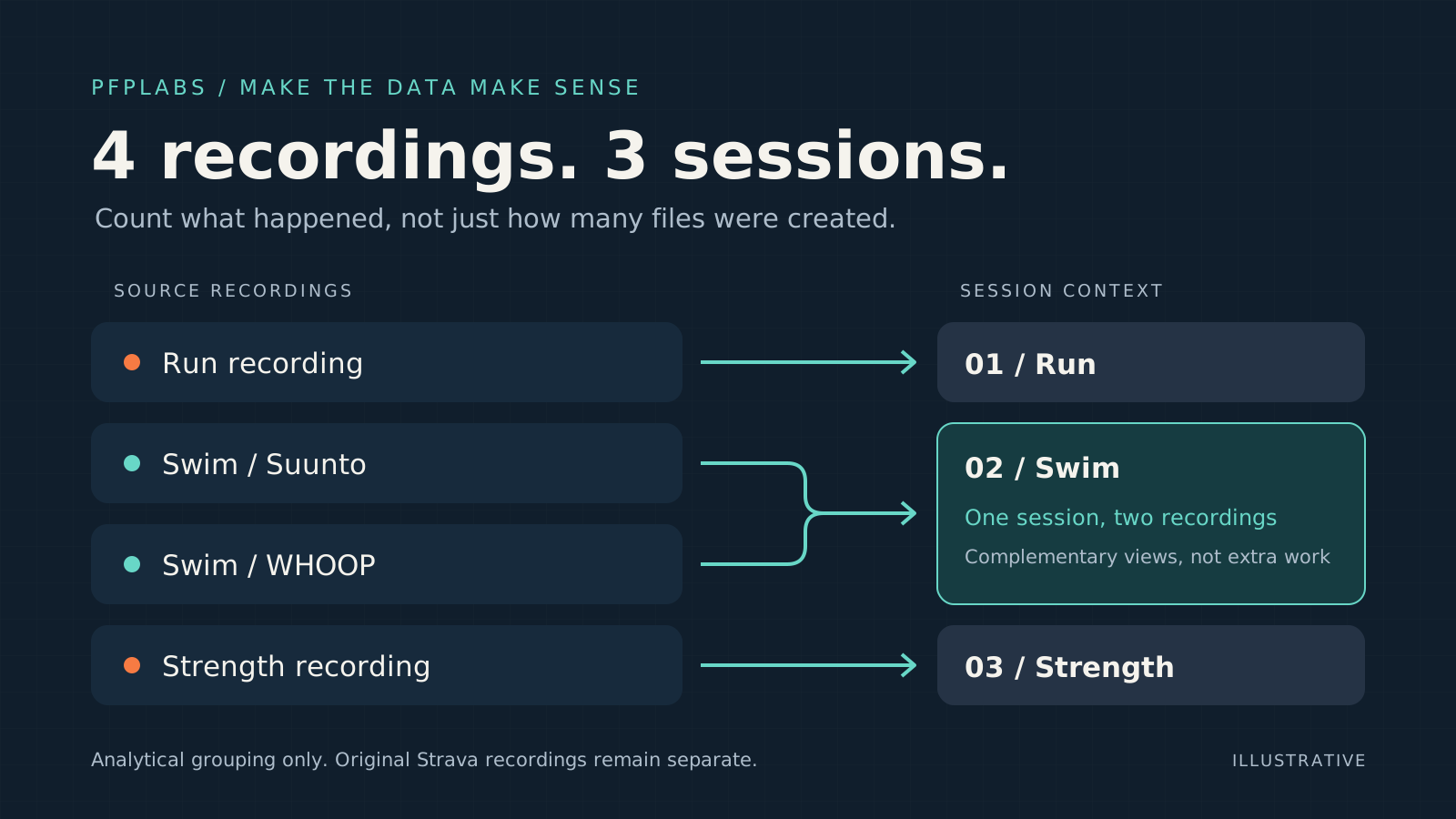
Kermit initially focused on the swim we had been discussing and missed another activity. I corrected the brief: check the whole day, across sports and devices. That course correction made the task better defined, not less worthwhile.
A working starting point, with room to grow
We successfully exported an activity, parsed it, and used my context to improve the interpretation. That is a concrete starting point: the data can reach the conversation, and the conversation can make the recording more useful.
We have also configured a daily check. The browser session survived reopening Strava in a new tab; ongoing unattended access remains something to test.
I still contribute perceived effort and context. That is part of the value, not a flaw in the workflow: the assistant helps examine the recording, while I explain the experience behind it.
There was a tradeoff in this, and it deserves a name. The engineer in me could have spent a weekend building a proper connector — typed clients, sync logic, retry handling. Instead, an export and a conversation answered the real question in an afternoon.
Sometimes the best engineering decision is to spend less engineering: the workaround is not a compromise to apologize for, it is the fastest way to find out whether an idea deserves the bigger build.
For pfplabs, the lesson reaches beyond Strava. You do not always need a new integration to test a productive connection between systems. An existing export can let you work on the question that matters first, then decide whether more automation is worth building.
The export button did its job. It gave us a way forward.
More on working with AI agentsThe PFP Labs field guide to useful, well-scoped agent systems.